Open Receipt OCR
A powerful, flexible, and extensible OCR (Optical Character Recognition) platform designed specifically for receipts and documents. It supports a wide range of OCR providers, from cloud-based AI models to local engines.
✨ Key Features
- Multi-Provider Support: Choose from 10+ OCR engines (local and cloud-based)
- No Single Vendor Lock-in: Seamlessly switch between providers based on your needs
- Local Processing: Run OCR locally using PaddleOCR or Tesseract.js without API calls
- Cloud Options: Leverage advanced AI models from OpenAI, Google Gemini, Mistral, and more
- Docker Ready: Deploy the entire stack with a single command
- Headless API: Integrate OCR processing into your workflows via REST API
- Extensible Architecture: Add custom OCR providers, storage backends, and secret managers
- Multi-Language Support: Built-in internationalization (English, Portuguese, French)
🚀 Quick Start
# Clone the repository
git clone https://github.com/iursevla/open-receipt-ocr.git
cd open-receipt-ocr

# Setup environment
cp server/.env.example server/.env
# Edit server/.env with your API keys

# Run development server
npm run dev

# Access the app
open http://localhost:3000
📸 Screenshots & Demo
| Dashboard | OCR Jobs (Card View) | OCR Jobs (Table View) |
|---|---|---|
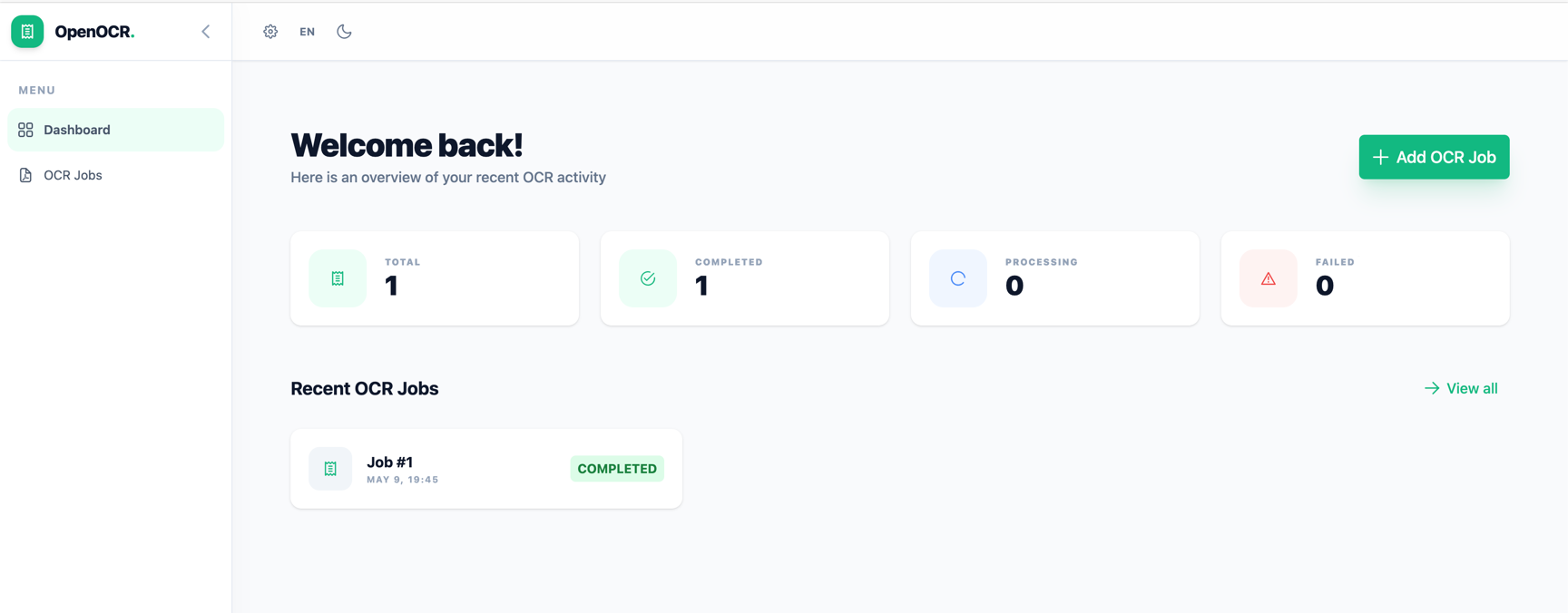 |
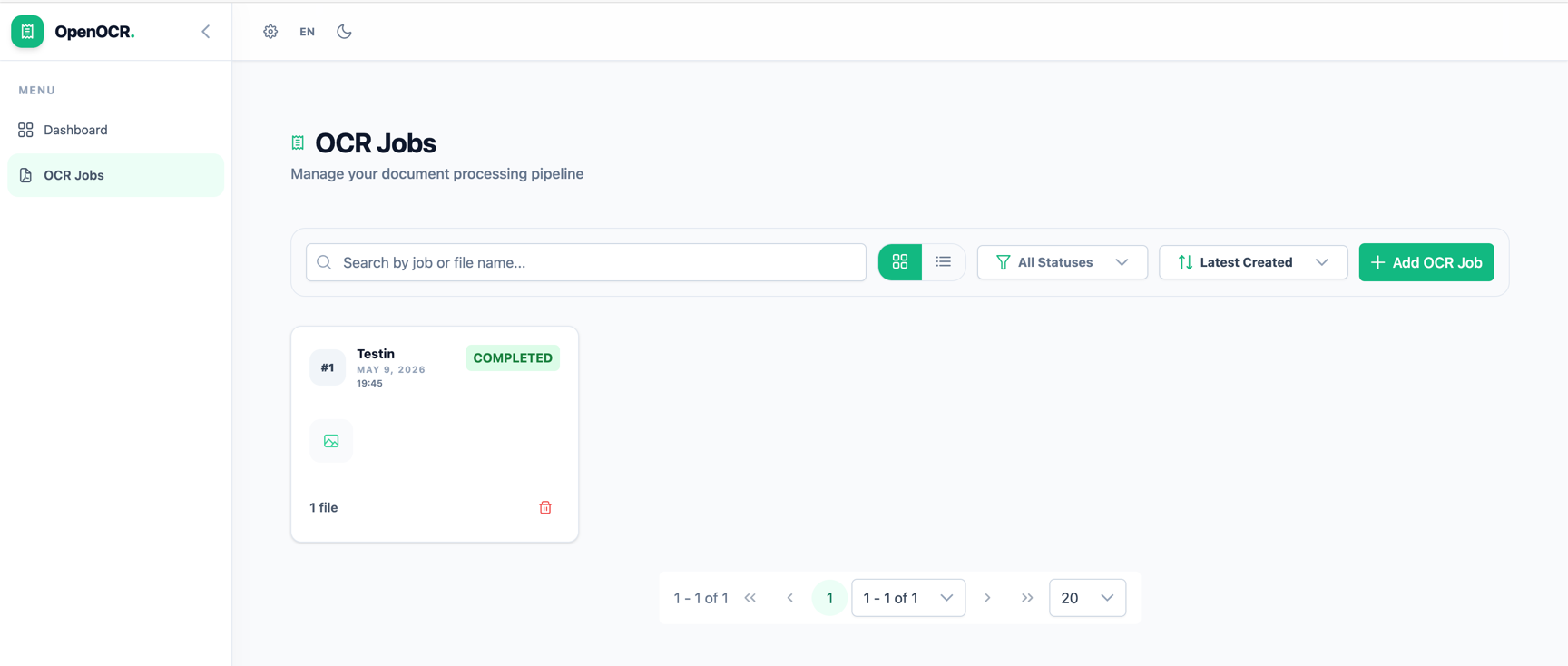 |
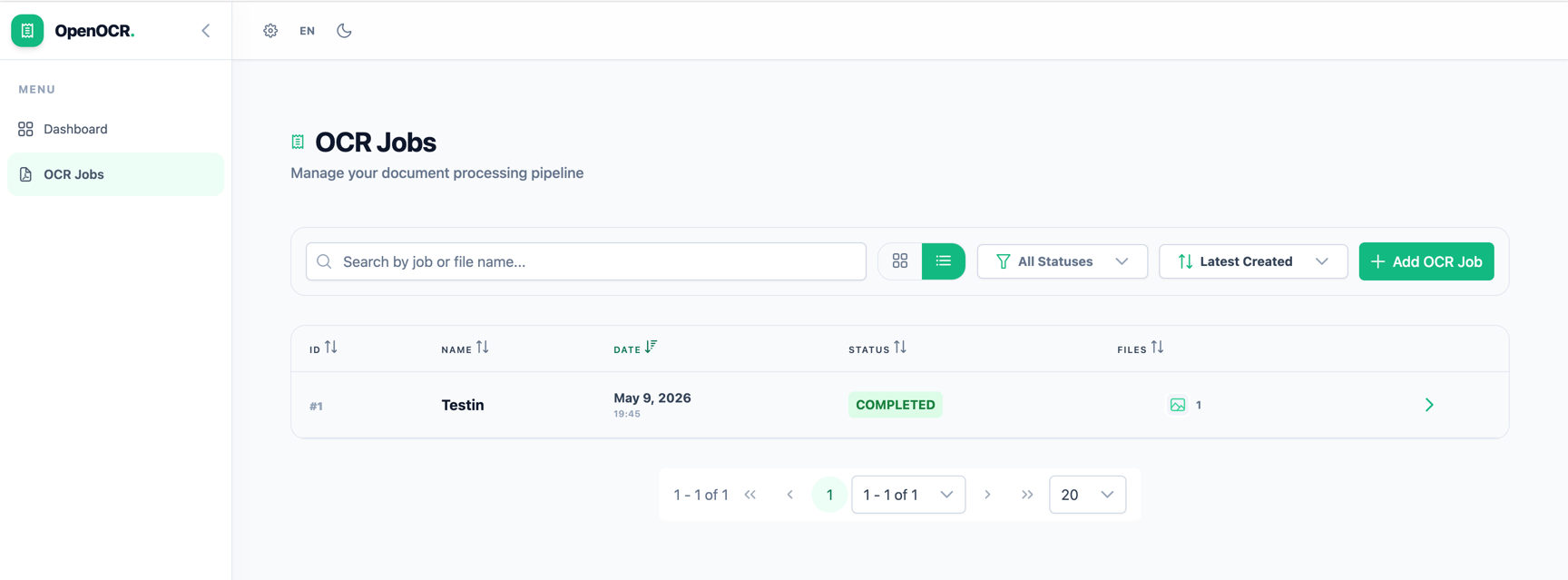 |
| Create Job | Multiple Files | Image Crop |
|---|---|---|
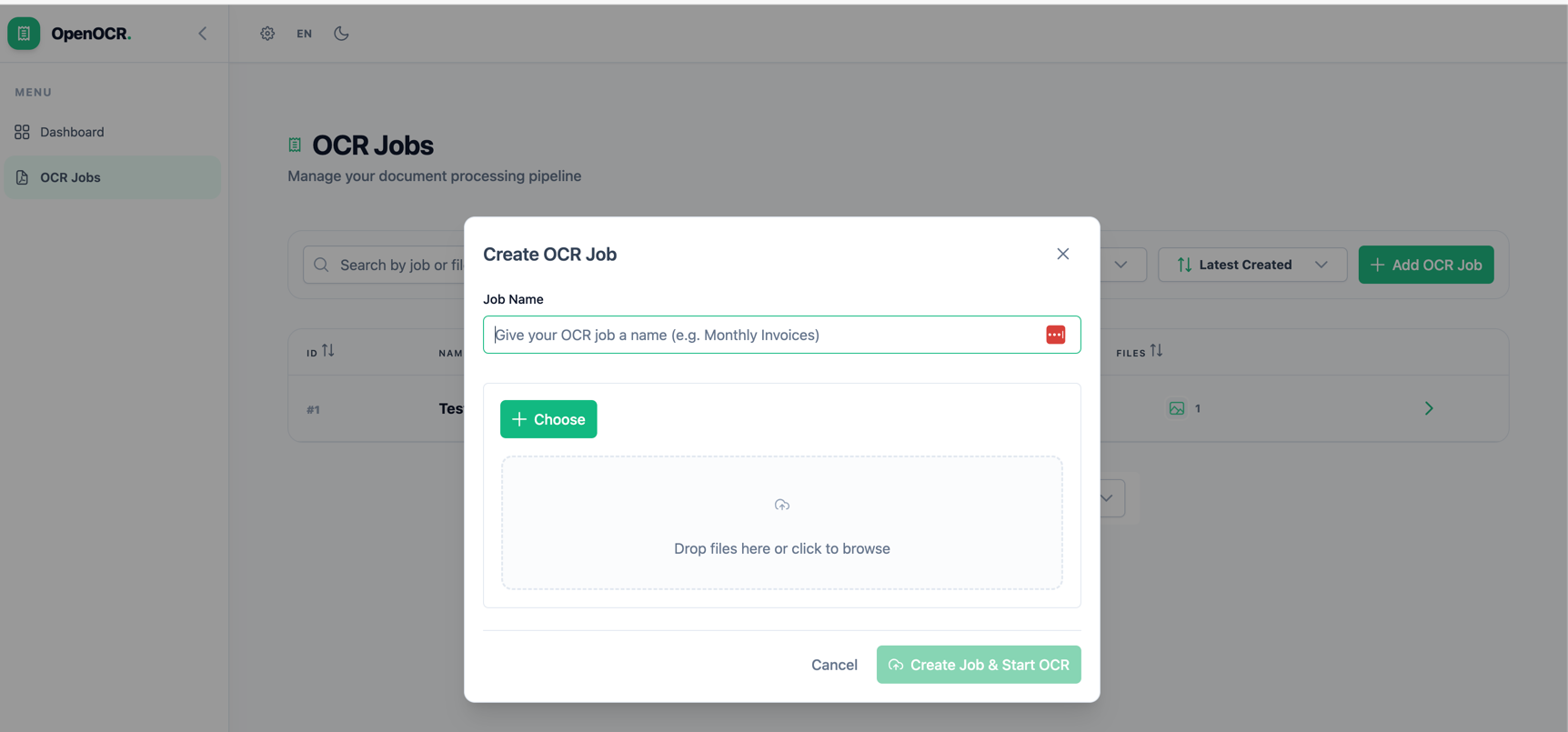 |
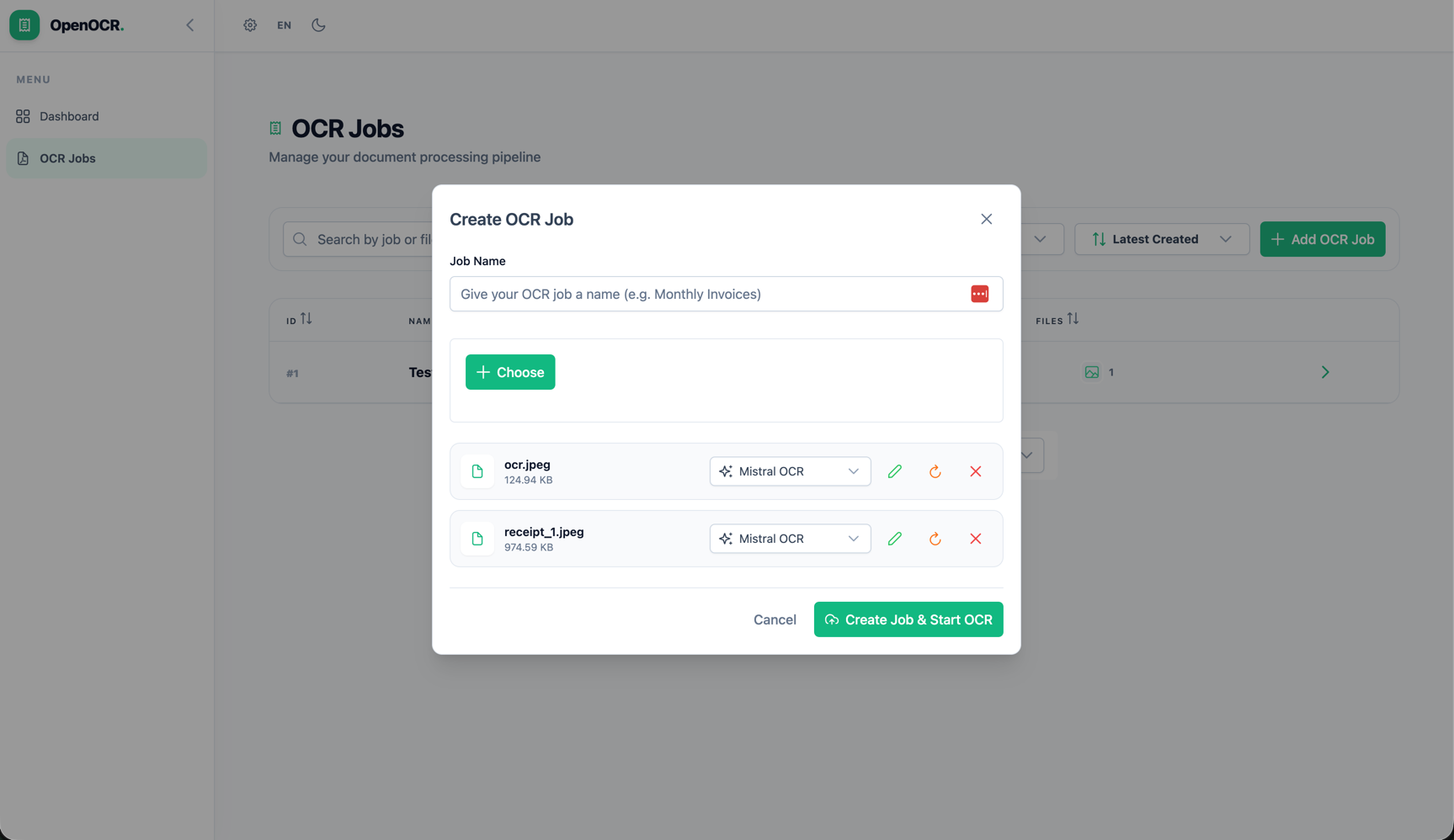 |
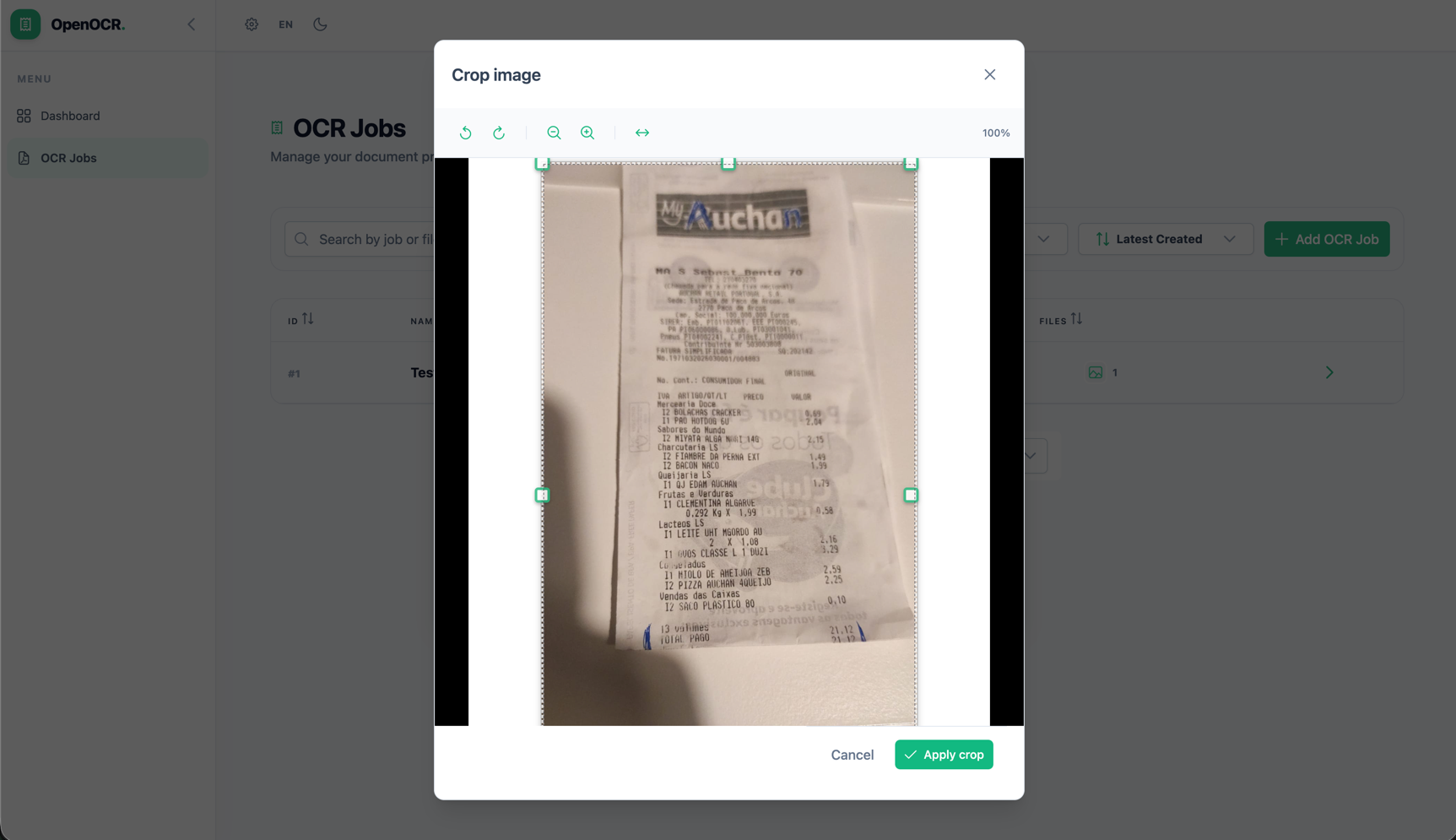 |
| Job Detail — Results | Job Detail — Failed | Settings |
|---|---|---|
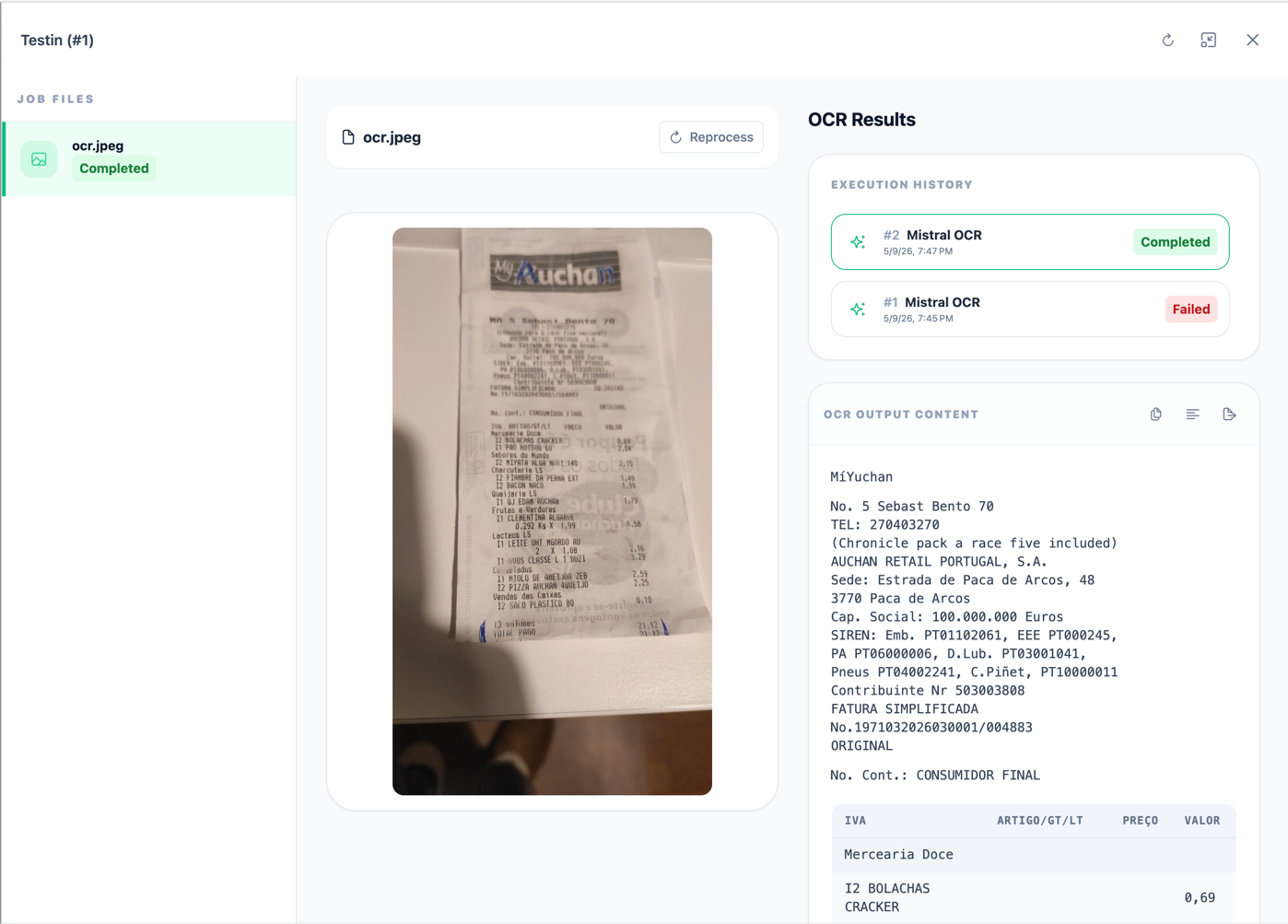 |
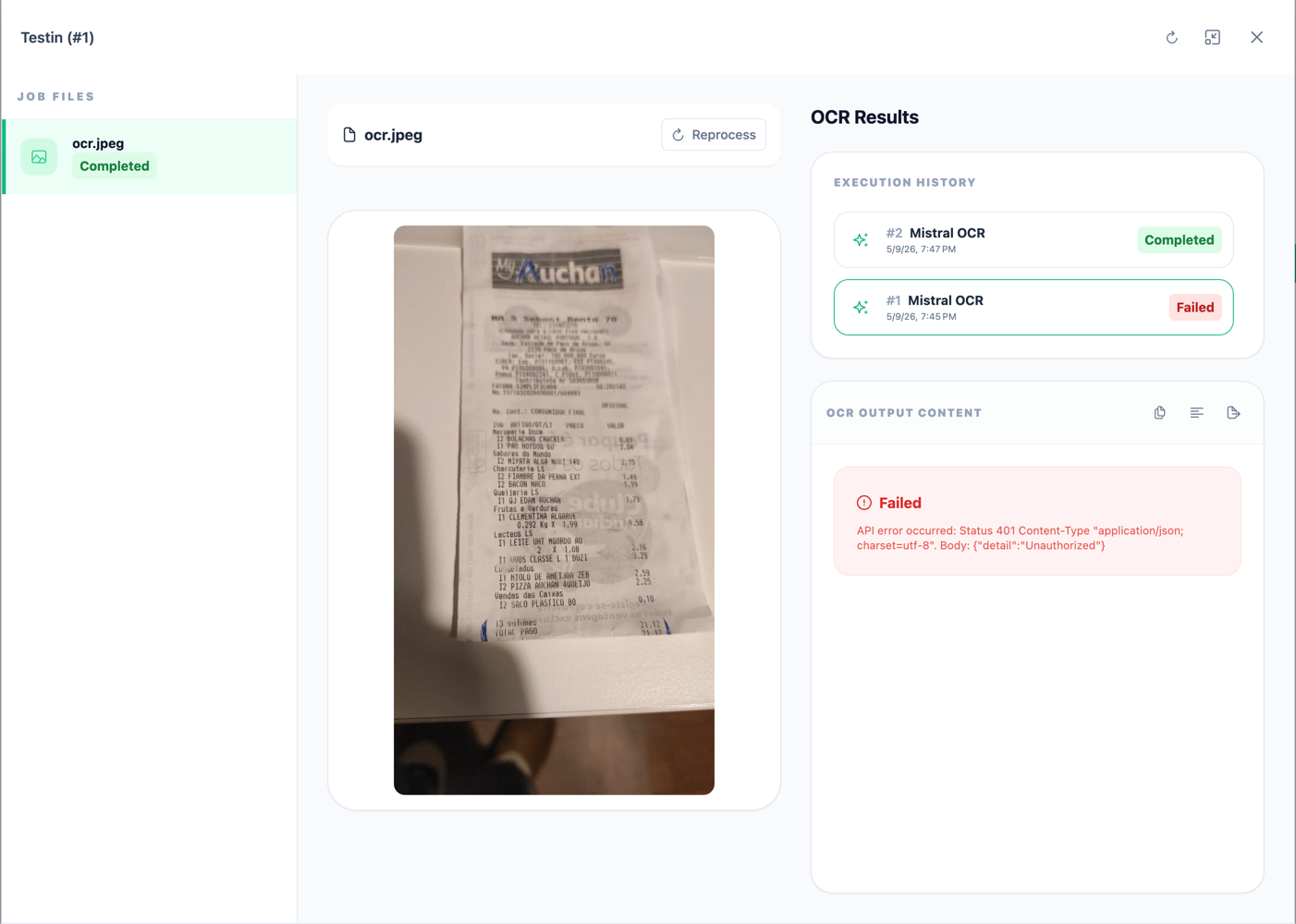 |
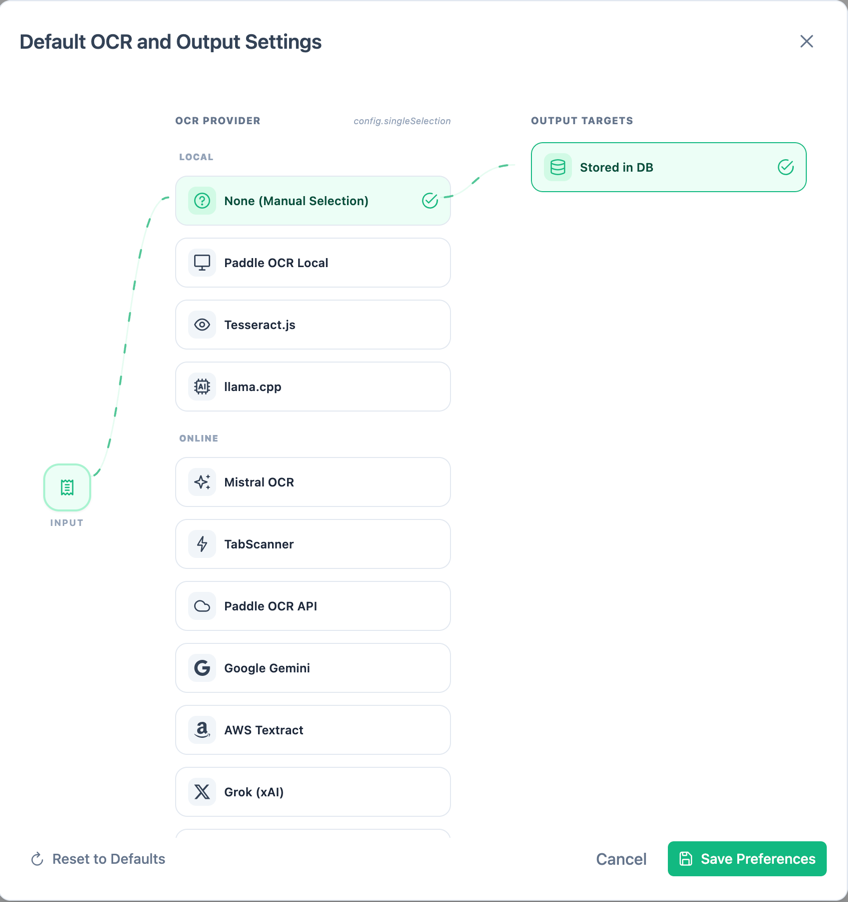 |
| Dark Mode | Localisation (German) |
|---|---|
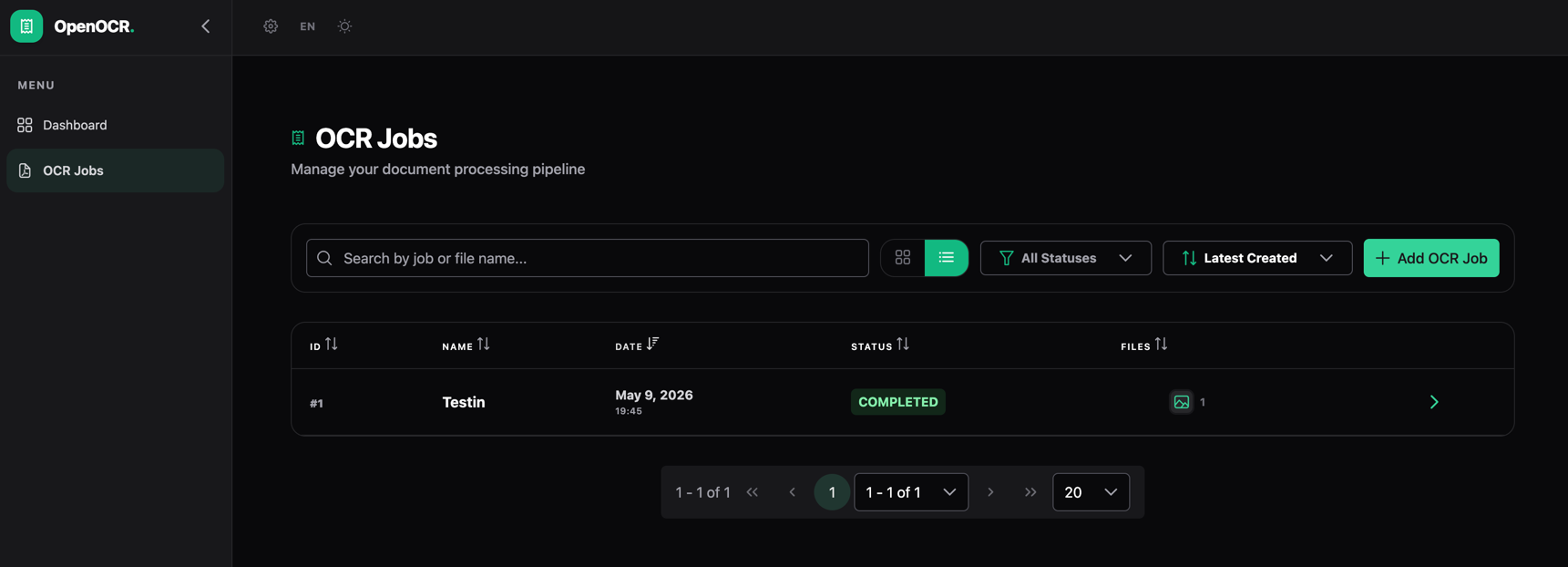 |
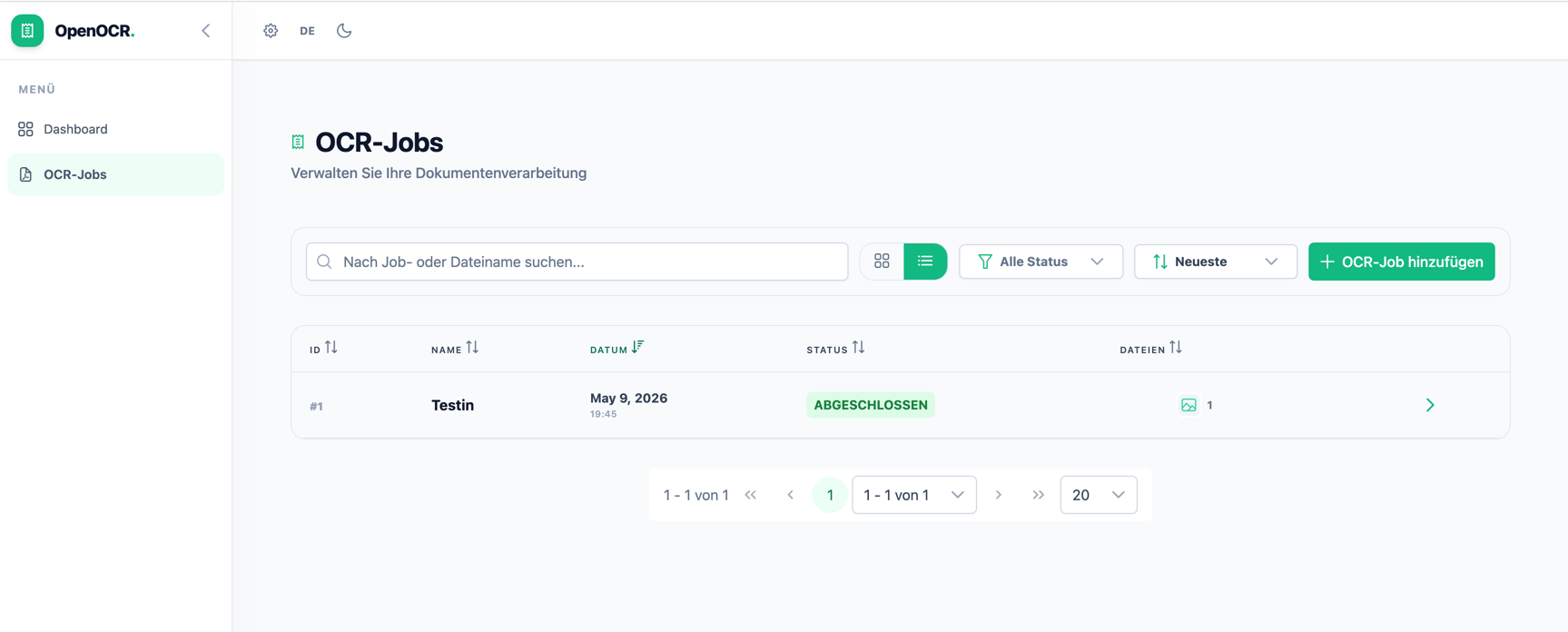 |
→ See all screenshots with descriptions
📖 Documentation
- Getting Started - Installation and basic setup
- Screenshots - UI screenshots and feature tour
- Configuration - Configure OCR and storage providers
- API Usage - Integrate via REST API
- Development Guide - Code structure and development
- Extending - Add custom providers and features
- Docker Deployment - Deploy using Docker Compose
🏗️ Architecture
The application is built with:
- Frontend: Angular + PrimeNG for a responsive UI
- Backend: NestJS with BullMQ for async job processing
- Database: SQLite (via TypeORM)
- Cache: Redis (required for BullMQ)
- Container: Docker & Docker Compose
🔌 Supported OCR Providers
Local (No API Keys)
- PaddleOCR Local - High-quality local OCR
- Tesseract.js - Open-source WASM-based OCR
- llama.cpp - Advanced vision models (LLaVA, Qwen-VL)
Cloud (API Keys Required)
- TabScanner, Google Gemini, OpenAI, Mistral, xAI Grok, AWS Textract, PaddleOCR API
See Configuration for details on setting up each provider.
💾 Storage Options
- Local (default) - Store files on your server
- OneDrive - Cloud storage via Microsoft Graph
🔐 Secret Management
- Environment Variables (default) - Simple
.envfile based configuration - Infisical - Enterprise secret management integration
📋 Requirements
- Node.js 18+
- npm or yarn
- Docker & Docker Compose (for containerized deployment)
- Redis (for background job processing)
🤝 Contributing
We welcome contributions! See Development Guide for instructions on:
- Setting up the development environment
- Code structure and conventions
- Running tests
- Submitting pull requests
📝 License
This project is open source. Check the repository for license details.
🆘 Support
For issues and questions:
- GitHub Issues
- Check existing documentation for common questions